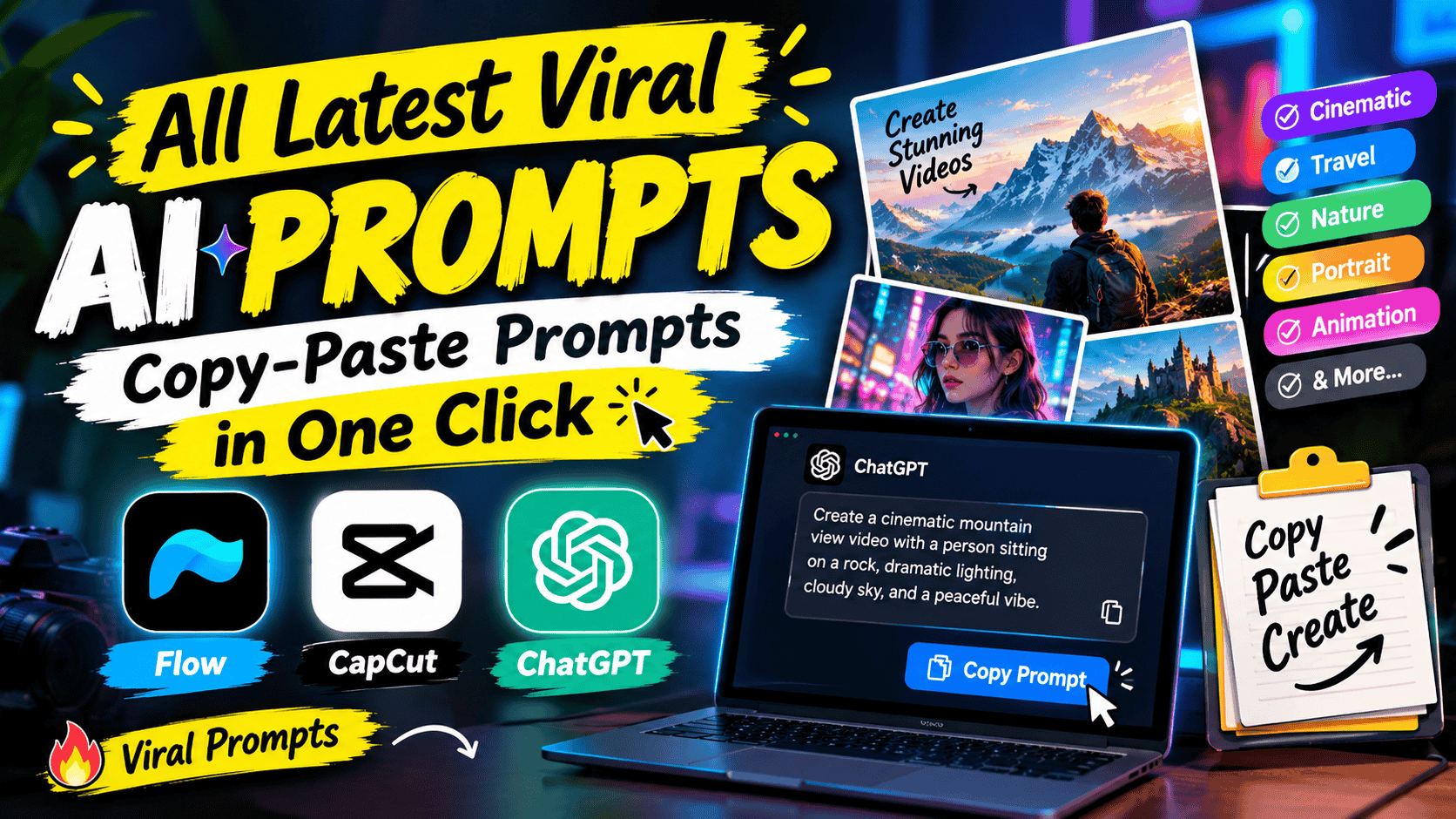
Featured image for: All Latest Viral AI Prompts: Copy-Paste Prompts in One Click
AI-generated photos and videos have become one of the biggest creative trends on the internet. Every week, new visual styles, editing techniques and prompt ideas appear across social media, making it easier for anyone to create professional-looking content with AI.
The problem is finding the right prompt.
You may see a viral AI image on Instagram, Facebook, Pinterest or another social platform and wonder:
"How can I create this image?"
The answer is often a well-written AI prompt.
Instead of spending time writing complicated instructions from scratch, users can use ready-made copy-paste AI prompts and customize them for their own photos, characters, locations and creative ideas.
That is where PromptReplica comes in.
PromptReplica is designed around discovering useful prompts for AI image creation, photo editing and video generation. Whether you want a cinematic portrait, a vintage photograph, a luxury car video, a couple photo or a completely different visual concept, ready-to-use prompts can make the creative process much easier.
This guide brings together the most useful categories of viral AI prompts, along with examples and tips for getting better results.
What Are Viral AI Prompts?
Viral AI prompts are creative instructions that become popular because they produce visually interesting, unusual or highly shareable images and videos.
These prompts can be used for:
AI photo editing
AI image generation
AI video generation
Portrait creation
Couple photography
Fashion photography
Vintage photography
Cinematic scenes
3D characters
Action figures
Product visuals
Social media content
Festival images
Professional portraits
A prompt can be as simple as:
"Turn my photo into a cinematic portrait."
Or it can be much more detailed:
"Transform the uploaded portrait into a cinematic 35mm photograph with natural skin texture, realistic lighting, shallow depth of field and a warm sunset background while preserving the person's facial identity."
Complete Step-by-Step Editing Workflow
Copy the prompt: Use the dedicated copy button above to get the prompt.
Open your editing tool: Use your preferred AI image generator (ChatGPT, Google Gemini, Midjourney, or Bing).
Personalize the variables: Adjust background, clothing, lighting, pose, or mood according to your requirements.
Generate & refine: Generate the image and tweak small details if needed.
Export: Save the final high-quality output for your social media.
Article Tags
#prompt#viral photo#gemini#chatgpt
Found this prompt useful?
SHARE:
Sana
Verified Creator
Curates practical AI prompts, photo-editing resources, video-editing ideas, and creator-focused tutorials to help readers create top-quality digital content.
Super helpful prompt! The lighting and peacock feather crown came out incredible on Bing Image Creator.
Priya PatelAugust 31, 2026
Thank you PromptCopyAI! Shared this with all my photo editing groups.
The second example gives the AI much more information about the desired result.
Why Copy-Paste AI Prompts Are Becoming Popular
Creating a good AI image isn't always about having the best AI tool. The instructions given to the AI can have a major impact on the result.
A ready-made prompt saves users from figuring out:
What words to use
How to describe lighting
How to describe camera angles
How to preserve facial identity
How to create realistic backgrounds
How to describe clothing
How to control composition
How to create cinematic effects
For beginners, this is particularly useful.
Instead of learning prompt engineering before creating an image, users can start with a proven prompt structure and customize it.
AI trends change quickly, so it's useful to organize prompts by category rather than focusing on only one trend.
Category
Popular Use
AI Photo Editing
Transform existing photos
AI Image Generation
Create new images
Gemini Prompts
Image editing and generation
Nano Banana Prompts
Advanced image editing
ChatGPT Prompts
Prompt creation and refinement
AI Video Prompts
Generate cinematic videos
Retro Prompts
80s, 90s and Y2K visuals
Couple Prompts
Romantic and couple images
Fashion Prompts
Stylish portraits
Cinematic Prompts
Movie-style visuals
3D Prompts
Figurines and collectible characters
Festival Prompts
Seasonal social content
Viral AI Photo Editing Prompts
One of the biggest categories is AI photo editing.
Instead of creating an entirely new person, users can upload an existing photograph and ask AI to transform its environment, clothing, lighting or overall visual style.
For example:
Viral AI Photo Prompt
Transform the uploaded photo into a premium cinematic portrait. Preserve the person's original facial identity, facial structure, skin tone and natural proportions. Improve the lighting with soft directional cinematic light, create a realistic background with natural depth of field, maintain detailed skin texture and realistic hair, and make the final image look like professional photography rather than an AI-generated image.
Users can then change the style to:
Vintage
Cinematic
Luxury
Street photography
Wedding
Traditional
Fashion
Travel
Retro
Professional
For a dedicated collection, link the phrase AI Photo Editing Prompts to your relevant PromptReplica category or article.
Gemini AI Prompts
Gemini has become an important part of the AI image-editing ecosystem, especially for users who want to experiment with reference-image-based editing.
Users often search for prompts such as:
Gemini photo editing prompts
Gemini AI prompts
Gemini image prompts
Gemini prompts for girls
Gemini couple prompts
Gemini retro prompts
Gemini wedding prompts
Gemini cinematic prompts
Example Gemini Photo Prompt
Edit the uploaded photograph into a cinematic outdoor portrait. Preserve the person's exact facial identity and recognizable features. Keep natural skin texture and realistic proportions. Change the environment to a beautiful sunset location with warm directional light, realistic shadows, subtle depth of field and professional camera characteristics. Do not change the person's face or body structure.
For your website's internal linking, the keyword Gemini AI Prompts can point to the dedicated Gemini prompt collection.
3. Nano Banana AI Prompts
Another important prompt category is Nano Banana.
Users commonly look for ready-to-use prompts for:
Photo editing
Character consistency
Couple photos
Product images
3D figurines
Vintage transformations
Fashion images
Scene replacement
Nano Banana Prompt Example
Use the uploaded image as the primary reference. Preserve the person's facial identity, facial structure, hairstyle and natural proportions. Transform the scene into a cinematic vintage photograph with realistic analog film characteristics, subtle grain, warm colors and natural lighting. Keep the person recognizable and maintain realistic skin texture, clothing details and perspective.
You can internally link Nano Banana Prompts to your dedicated Nano Banana prompt collection.
4. ChatGPT Prompts for AI Image Creation
ChatGPT can also be useful for developing and refining prompts before using them with an image generator.
For example, a user can provide a basic idea:
"I want a vintage couple photo."
A more detailed prompt can then be developed around:
Clothing
Location
Camera
Lighting
Pose
Mood
Composition
Image ratio
A useful workflow is:
Idea → Prompt → Image Generation → Refinement
For readers interested in creating their own prompts, link ChatGPT Prompts to your relevant internal page.
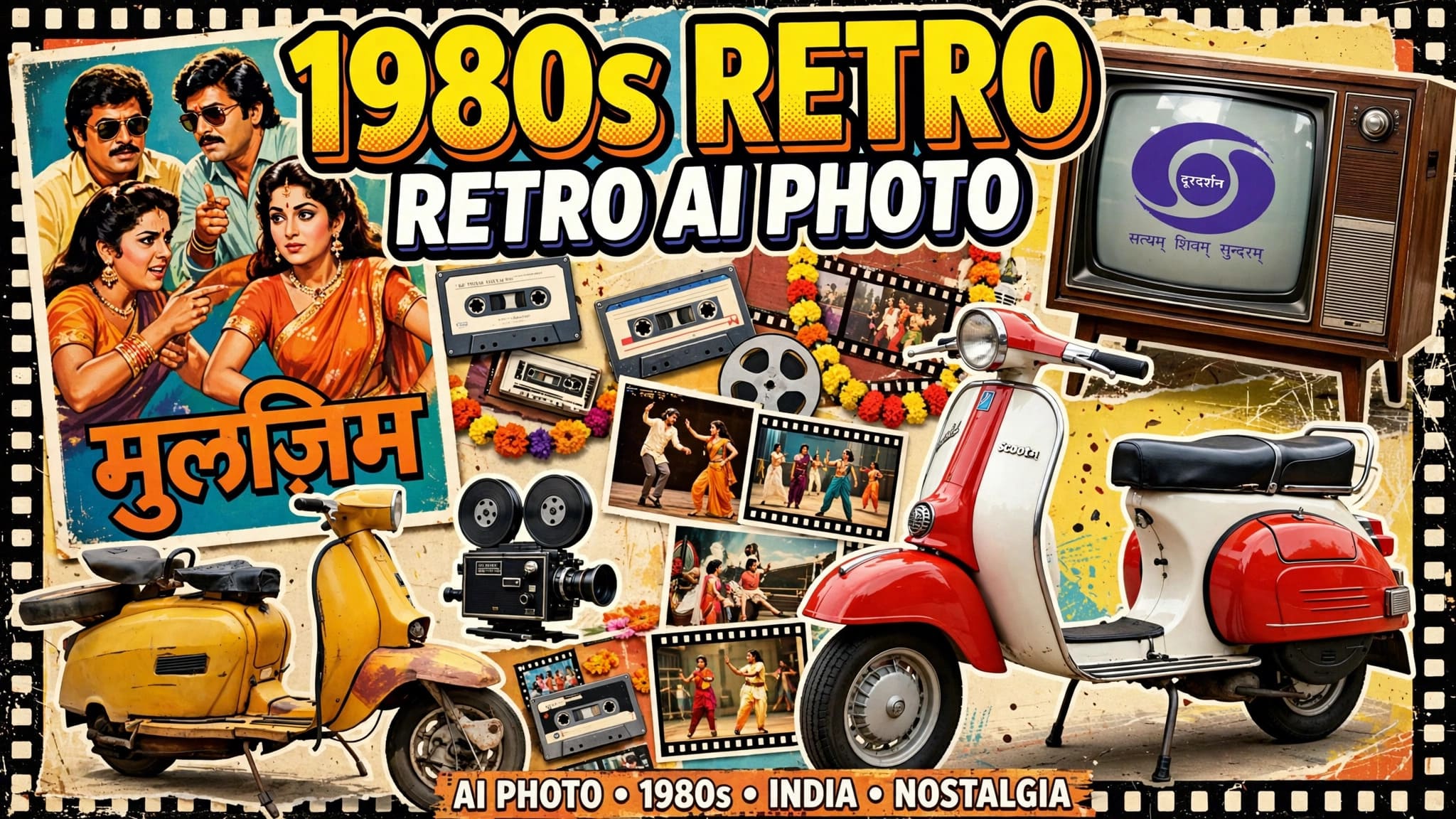
5. Viral 80s Retro AI Photo Prompts
Retro photography continues to be a popular visual concept because it gives modern photographs a nostalgic appearance.
Users can create:
80s couple photos
80s Bollywood-style fictional scenes
80s Indian family photos
Vintage saree portraits
Old studio portraits
Retro wedding photos
80s Retro Prompt
Transform the uploaded photograph into an authentic 1980s-inspired analog photograph. Preserve the person's original facial identity and natural proportions. Add period-appropriate clothing, classic hairstyle and a realistic vintage environment. Use warm analog colors, subtle 35mm film grain, soft flash photography, slightly faded tones and natural shadows. Make the result look like a genuine photograph captured on film rather than a modern image with a simple vintage filter.
6. Viral Couple AI Prompts
Couple photography is another strong category because users can easily personalize the prompts with their own photographs.
Romantic Couple Prompt
Transform the uploaded couple photograph into a cinematic romantic portrait. Preserve both people's facial identities, facial structures and natural proportions. Place them together in a beautiful outdoor location during golden hour. Use warm sunlight, natural shadows, realistic skin texture, subtle depth of field and professional photography characteristics. Keep their interaction natural and believable.
You can create separate prompts for:
Couple portraits
Wedding couples
Pre-wedding photos
Vintage couples
Bollywood-inspired fictional couples
Beach couples
Travel couples
Luxury couple portraits
Link the bold keyword AI Couple Prompts to your relevant internal article or category.
7. AI Action Figure Prompts
Turning a person into an action figure or collectible character has also become a popular AI image concept.
Action Figure Prompt
Transform the person in the uploaded photograph into a premium collectible action figure while preserving recognizable facial characteristics. Place the character inside realistic retail packaging with accessories arranged neatly around the figure. Use realistic plastic materials, detailed packaging, studio lighting, professional product photography and accurate proportions. Create a premium collectible-toy appearance without adding unnecessary text or logos.
This concept can be expanded into:
AI action figure
AI toy packaging
AI collectible figure
AI miniature
AI 3D figurine
8. AI Cinematic Photo Prompts
Cinematic images are especially useful for social media because they can make an ordinary photograph feel like a movie scene.
Cinematic Portrait Prompt
Transform the uploaded portrait into a cinematic movie-style photograph. Preserve the person's exact facial identity and natural facial features. Place the subject in a realistic urban environment during blue hour. Use dramatic but natural lighting, realistic shadows, shallow depth of field, subtle atmospheric haze and professional cinema-camera characteristics. Maintain realistic skin texture and natural proportions.
For more examples, internally link Cinematic AI Prompts to the relevant PromptReplica page.
9. AI Video Prompts
AI isn't limited to still images.
Video generators can turn an image or text description into moving scenes.
Users can create:
Luxury car videos
Cinematic portraits
Travel videos
Fashion videos
Couple videos
Product advertisements
Music-video scenes
Short-form social content
Example AI Video Prompt
Use the uploaded character image as the exact identity reference. Preserve the person's facial identity, hairstyle, skin tone and body proportions throughout the video. Place the person in a cinematic outdoor environment during golden hour. The subject slowly walks toward the camera with natural movement while the camera performs a smooth cinematic tracking shot. Use realistic lighting, natural shadows, realistic motion blur and live-action photography characteristics. Avoid CGI appearance, face distortion and unnatural body movement.
This can be internally linked through AI Video Prompts.
10. Viral Luxury Car AI Prompts
Luxury-car videos are useful for social-media creators who want cinematic automotive content.
A simple prompt can be expanded into a complete commercial-style scene.
Luxury Car Prompt
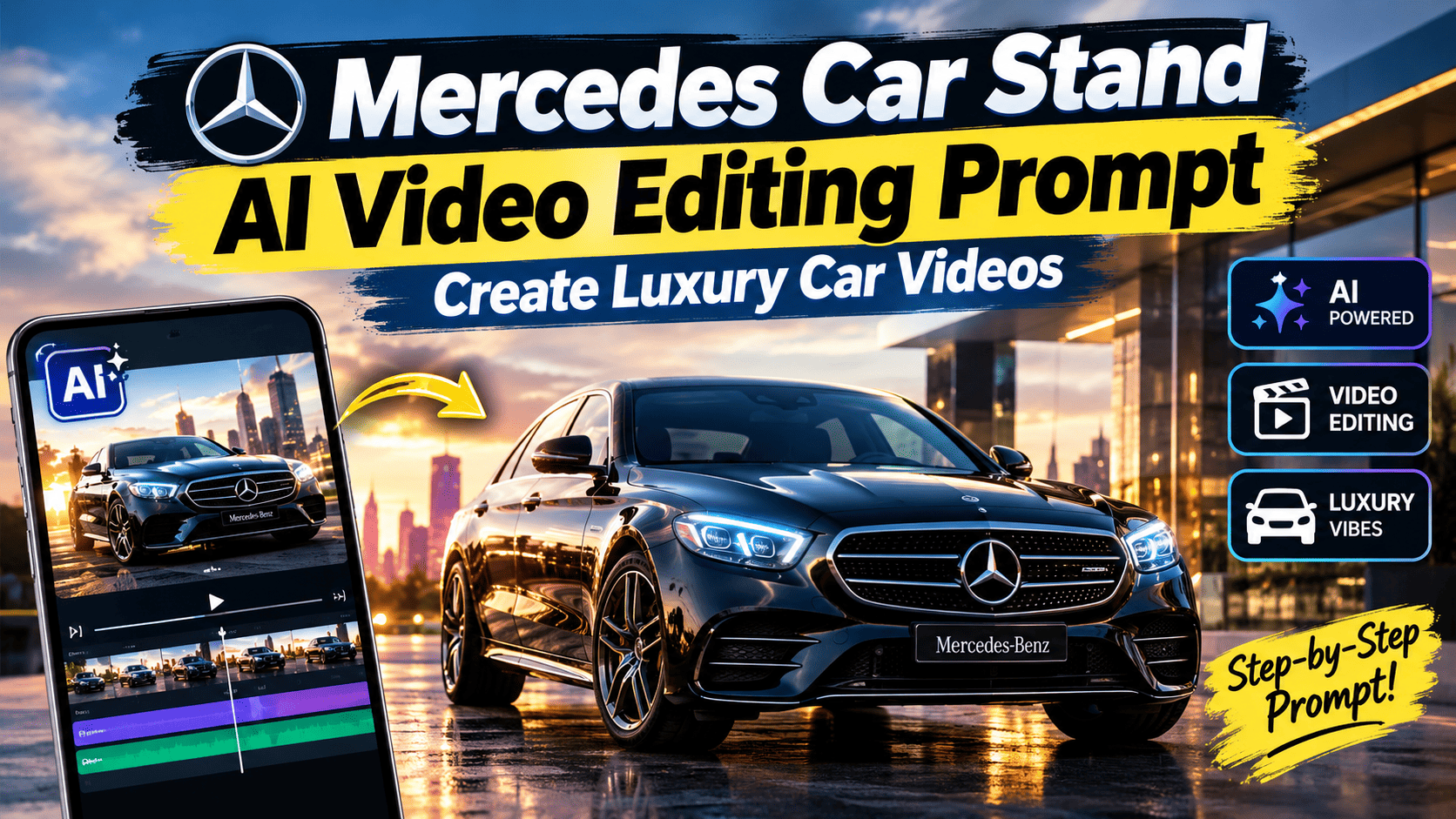
Create a photorealistic luxury automotive scene featuring the person from the uploaded reference image standing beside a premium Mercedes-Benz vehicle. Preserve the person's facial identity and natural proportions. Keep the entire vehicle clearly visible in the wide shot. Use cinematic daylight, realistic reflections, natural shadows and professional automotive-commercial camera movement. The car slowly approaches and stops beside the person. Maintain realistic vehicle physics and live-action appearance.
You can create separate prompt pages for:
Mercedes
BMW
Audi
Porsche
Range Rover
Lamborghini
Ferrari
How to Use Viral AI Prompts
Finding a prompt is only the first step.
The next step is knowing how to customize it.
Step 1: Choose Your Prompt
Start with a prompt that matches the type of image or video you want.
For example:
Vintage → Retro Prompt
Couple → Couple Prompt
Car → Automotive Prompt
Video → AI Video Prompt
Step 2: Upload Your Reference Image
If the AI tool supports image references, choose a clear photograph.
For personal photos, a good reference should ideally have:
Clear face
Good lighting
Minimal blur
Natural expression
Visible clothing
Reasonable resolution
Step 3: Copy the Prompt
Use the copy button on the prompt page if available.
This is where the copy-paste experience becomes useful.
Instead of manually selecting a long paragraph, users can copy the complete prompt and paste it into their chosen AI tool.
Step 4: Customize the Prompt
Change details such as:
Clothing
Background
Location
Lighting
Pose
Camera angle
Color
Mood
For example:
Original:
"Create a vintage portrait."
Customized:
"Create an authentic 1980s Indian vintage portrait with a silk saree, classic hairstyle, warm analog colors and subtle 35mm film grain."
The second prompt provides more direction.
How to Get Better AI Image Results
A prompt doesn't need to be unnecessarily long.
What matters is whether it contains the important visual instructions.
A useful structure is:
Subject
Who or what is in the image?
Appearance
What should they wear or look like?
Environment
Where are they?
Lighting
What type of light should be used?
Camera
What perspective or photography style is required?
Mood
What should the image feel like?
Realism
What should remain natural?
Prompt Formula
You can use this formula to create your own prompts:
A young couple + elegant vintage clothing + old Indian street + natural romantic pose + warm sunset light + 35mm camera + 1980s photography + realistic skin and proportions.
This simple formula can produce a highly detailed prompt when expanded.
AI Prompt Categories You Can Find on PromptReplica
PromptReplica can organize prompts into multiple categories so users can find a suitable idea faster.
Category
Example Prompts
Photo Editing
Transform existing photos
AI Images
Generate new images
AI Videos
Generate cinematic videos
Gemini
Gemini image prompts
Nano Banana
Nano Banana editing prompts
ChatGPT
Prompt creation and refinement
Retro
80s, 90s, Y2K
Couples
Romantic photos
Fashion
Editorial portraits
Cinematic
Movie-style images
3D
Figurines and toys
Luxury
Cars and lifestyle
Festival
Seasonal images
One-Click Copy-Paste Workflow
A simple prompt website workflow can be:
1. Discover
Find a trending prompt that matches your idea.
2. Copy
Use the copy button to copy the complete prompt.
3. Open Your AI Tool
Use the prompt with your preferred AI image or video generator.
4. Upload Your Image
If the prompt is designed for editing, add your reference image.
5. Generate
Paste the prompt and generate your image or video.
6. Refine
If necessary, change specific details such as clothing, background, lighting or camera angle.
This workflow makes complicated AI creation much more approachable for beginners.
Viral AI Prompt Ideas to Try
Here are some prompt concepts that can be expanded into complete articles:
Prompt Idea
Content Type
80s Retro Photo
Photo Editing
90s Vintage Photo
Photo Editing
Y2K Photo
Photo Editing
AI Action Figure
Image Generation
AI Barbie Style
Image Generation
AI Couple Photo
Photo Editing
AI Wedding Photo
Photo Editing
AI Saree Photo
Photo Editing
AI Bollywood Scene
Image Generation
AI Cinematic Portrait
Photo Editing
AI Luxury Car Video
Video Generation
AI Travel Video
Video Generation
AI Product Commercial
Video Generation
AI 3D Figurine
Image Generation
AI Magazine Cover
Image Generation
Tips for Creating Viral AI Prompts
Keep the Main Subject Clear
Don't overload a prompt with unrelated instructions.
Mention Identity Preservation
When editing a personal photograph, specify that the face and recognizable features should remain consistent.
Describe Lighting
Lighting can dramatically change the final appearance.
Specify the Camera
Words such as "35mm film," "cinematic camera," "wide-angle" or "portrait lens" can provide useful visual direction.
Avoid Contradictory Instructions
For example, don't ask for both an extremely wide shot and an extreme facial close-up in the same shot.
Test Variations
One prompt can produce multiple results. Experiment with:
Background
Lighting
Clothing
Camera angle
Color grading
Mood
Why AI Prompts Are Useful for Beginners
Many people know what image they want but don't know how to describe it to an AI model.
For example, someone may think:
"I want my photo to look like an old movie."
But they may not know to describe:
Analog film
35mm grain
Warm color grading
Soft lighting
Vintage wardrobe
Period-specific environment
A ready-made prompt turns that idea into instructions that an AI model can understand more clearly.
That's the real value of a prompt library.
Frequently Asked Questions
What are viral AI prompts?
Viral AI prompts are prompts that become popular because they create interesting, visually appealing or highly shareable AI images and videos.
Where can I find copy-paste AI prompts?
You can use prompt libraries such as PromptReplica to discover ready-to-use prompts for image editing, image generation and AI video creation.
Can I use these prompts with Gemini?
Yes, prompts designed for image creation or editing can be adapted for Gemini, depending on the capabilities available in the version you are using.
Can I use AI prompts with ChatGPT?
Yes. ChatGPT can be useful for creating, expanding and refining prompts, while compatible image-generation features can use those instructions to create images.
What are Nano Banana prompts?
Nano Banana prompts are detailed instructions designed for image generation or editing workflows associated with Google's Nano Banana image-generation models.
Can I use these prompts for AI videos?
Yes. Video-specific prompts can describe camera movement, subject motion, lighting, environment and cinematic style.
How do I copy a prompt?
If a prompt page provides a copy button, click the copy option to copy the complete prompt and paste it into your preferred AI tool.
Can I modify a copied prompt?
Absolutely. You can change the background, clothing, location, pose, lighting, camera angle and other details according to your desired result.
Why does the same prompt produce different images?
AI generation is not always deterministic. Different tools, models, reference images and generation settings can produce different results from similar instructions.
Can I use these prompts with my own photo?
For image-editing prompts, yes, provided the AI tool supports image references or image editing. Use a clear photo and specify which elements should remain unchanged.
Conclusion
AI prompt trends are moving quickly, but the basic idea remains simple: a good prompt turns an idea into a clear set of creative instructions.
From AI Photo Editing Prompts and Gemini AI Prompts to Nano Banana Prompts, cinematic concepts and AI video generation, users now have many ways to transform ordinary ideas into highly customized visual content.
The biggest advantage of ready-to-use prompts is convenience. Instead of starting from a blank text box, users can choose an existing prompt, copy it, customize a few details and start creating.
That's the purpose of PromptReplica—to make useful AI prompts easier to discover, understand, copy and use.
Whether you're looking for a retro photograph, a cinematic portrait, a couple image, an action figure, a luxury-car video or a completely new AI visual concept, the right prompt can give you a much better starting point.
For the best results, don't be afraid to personalize the prompt. Change the location, clothing, lighting, camera angle and mood until the result matches your idea.
And because AI trends change quickly, new prompt styles can continue to emerge across photo editing, image generation and video creation.
Find the prompt, copy it, customize it and create your own version with PromptReplica.
Mountain View Vibe Video Editing Prompt for Flow AI: Create Cinematic Mountain Videos