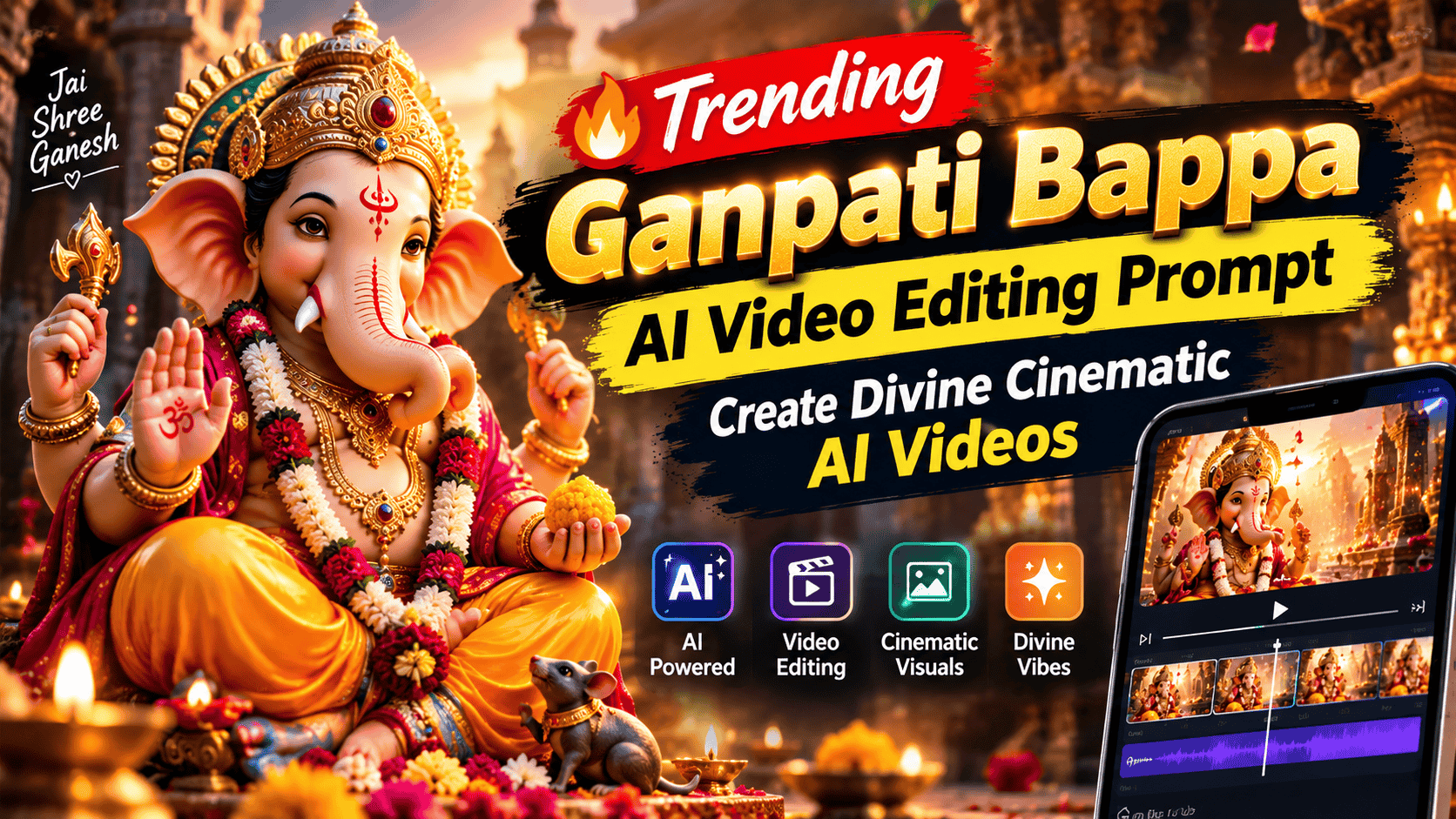
Featured image for: Trending Ganpati Bappa AI Video Editing Prompt: Create Divine Cinematic AI Videos
Ganpati Bappa videos are becoming increasingly popular across Instagram Reels, YouTube Shorts and other short-video platforms. With modern AI video generators, you can transform a Ganpati image into a cinematic devotional video with realistic camera movement, glowing lights, flower petals, diya effects and a peaceful festive atmosphere.
In this guide, you will find a Trending Ganpati Bappa AI Video Editing Prompt that you can copy and paste into compatible AI video-generation tools such as Flow AI, along with several variations for different moods and scenes.
The goal is to create a video that feels devotional, cinematic, realistic and visually rich without making the idol look artificial or overly CGI-generated.
What Is a Ganpati Bappa AI Video Editing Prompt?
A Ganpati Bappa AI video prompt is a detailed instruction that tells an AI video generator how to animate an existing Ganpati image.
Instead of manually creating every animation, you can describe:
Camera movement
Lighting
Background atmosphere
Flower petals
Diya flames
Smoke effects
Crowd movement
Idol details
Depth of field
Cinematic transitions
Overall mood
The AI then uses these instructions to generate a short video.
For creators working with AI Video Prompts, this is particularly useful for creating devotional Reels, festival greetings, social media posts and Ganesh Chaturthi videos.
Copy-Paste Trending Ganpati Bappa AI Video Prompt
Use the following prompt with your compatible AI video generator.
Main Cinematic Ganpati Bappa Prompt
Create a highly realistic cinematic devotional video of Lord Ganpati Bappa based on the provided reference image. Preserve the exact design, facial features, crown, ornaments, clothing, colors, body proportions and artistic details of the Ganpati idol from the reference image. Do not redesign or alter the idol. The scene begins with a slow cinematic camera push-in toward Ganpati Bappa. Warm golden temple lights softly illuminate the idol while small glowing diyas flicker naturally in the foreground. Fresh red and yellow flower petals gently fall through the air in slow motion. A subtle layer of incense smoke moves naturally around the background, creating a peaceful spiritual atmosphere.
Complete Step-by-Step Editing Workflow
Copy the prompt: Use the dedicated copy button above to get the prompt.
Open your editing tool: Use your preferred AI image generator (ChatGPT, Google Gemini, Midjourney, or Bing).
Personalize the variables: Adjust background, clothing, lighting, pose, or mood according to your requirements.
Generate & refine: Generate the image and tweak small details if needed.
Export: Save the final high-quality output for your social media.
Article Tags
#trending video#ai prompt video#chatgpt#flowai
Found this prompt useful?
SHARE:
Sana
Verified Creator
Curates practical AI prompts, photo-editing resources, video-editing ideas, and creator-focused tutorials to help readers create top-quality digital content.
Super helpful prompt! The lighting and peacock feather crown came out incredible on Bing Image Creator.
Priya PatelAugust 31, 2026
Thank you PromptCopyAI! Shared this with all my photo editing groups.
Add realistic depth of field with the Ganpati idol remaining sharp and the background softly blurred. Create gentle golden bokeh lights in the background. The camera slowly moves from a wider composition toward a beautiful medium close-up, revealing the details of the crown, ornaments and peaceful expression.
Add subtle natural movement to the environment, including flickering diya flames, floating incense smoke, moving flower petals and soft glowing particles. Keep the Ganpati idol completely stable and structurally consistent throughout the video.
The overall atmosphere should feel divine, peaceful, emotional, festive and cinematic. Use realistic Indian festival lighting, warm golden tones, natural shadows, realistic textures and professional cinematic depth.
Photorealistic cinematic quality, realistic lighting, natural motion, detailed textures, shallow depth of field, smooth camera movement, premium festival atmosphere, realistic devotional environment, high detail, 4K cinematic appearance, vertical 9:16 composition. No cartoon look, no plastic texture, no distorted idol, no extra limbs, no face deformation, no changing ornaments, no flickering identity, no artificial CGI appearance.
Ganpati Bappa AI Video Prompt for Instagram Reels
If you want a more Instagram Reels-style cinematic video, use this variation.
Create a vertical 9:16 cinematic devotional video featuring the Ganpati Bappa idol from the reference image. Preserve the exact idol appearance, face, crown, ornaments, clothes, colors and proportions. Start with a slightly wide shot and smoothly move the camera forward toward the idol. Warm golden lights illuminate Ganpati Bappa while hundreds of tiny soft bokeh lights glow in the background. Beautiful flower petals slowly fall from above while diya flames flicker naturally around the idol. Add subtle incense smoke drifting through the scene. Use realistic slow-motion particles and gentle environmental movement. The camera performs a smooth cinematic push-in with shallow depth of field and natural lens focus. Keep Ganpati Bappa perfectly stable and detailed throughout the entire video. Create a peaceful, spiritual and emotional festival atmosphere suitable for an Instagram Reel or YouTube Short. Realistic Indian Ganesh festival decoration, cinematic lighting, realistic textures, professional camera movement, natural depth of field, photorealistic quality, 4K, vertical 9:16.
Ganpati Bappa Golden Light Video Prompt
For a more premium and luxurious devotional look:
Generate a cinematic close-up video of Ganpati Bappa using the provided reference image. Maintain the exact identity and design of the idol. Surround the scene with warm golden temple lighting and soft glowing lamps. Slowly move the camera from left to right while gently pushing toward the idol. Add realistic golden dust particles floating in the air, subtle incense smoke and softly flickering diyas. The crown and ornaments should catch the warm light naturally, creating beautiful realistic highlights. Add soft background bokeh and shallow depth of field. The atmosphere should feel divine, peaceful, elegant and emotional. Keep the idol completely consistent without changing its face, ornaments, hands, crown or clothing. Photorealistic cinematic video, natural movement, realistic lighting, detailed textures, smooth camera motion, 9:16 vertical format.
Ganpati Bappa Flower Petals AI Video Prompt
Flower petals can create a beautiful transition and add movement to an otherwise static idol image.
Create a realistic cinematic video of the Ganpati Bappa idol from the reference image. Preserve every detail of the original idol. The camera slowly moves forward while soft red, orange and yellow flower petals gently fall around Ganpati Bappa. Some petals pass naturally in front of the camera lens while others fall into the foreground. Add warm golden lighting, realistic diya flames, subtle incense smoke and soft background bokeh. The idol remains perfectly stable and sharply detailed while the environment moves naturally. Use realistic physics for falling petals and smoke. Smooth cinematic camera movement, shallow depth of field, natural shadows, devotional festival atmosphere, photorealistic quality, vertical 9:16, high detail.
Ganpati Bappa Visarjan Style AI Video Prompt
For a festive immersion-inspired scene:
Create a cinematic devotional Ganpati Bappa festival video based on the reference image. Preserve the exact appearance and design of the idol. Show a beautifully decorated festive environment with warm lights, flower decorations and soft atmospheric smoke. The camera slowly moves around the idol with a smooth cinematic orbit while flower petals float through the air. Create a realistic celebratory atmosphere with soft glowing lights in the background and natural environmental movement. Keep the idol's face, crown, ornaments and body structure completely consistent. The video should feel emotional, spiritual, festive and cinematic rather than artificial. Photorealistic textures, realistic lighting, natural camera movement, cinematic depth of field, 9:16 vertical video.
How to Create a Ganpati Bappa AI Video
Creating the video is relatively simple if you already have a suitable Ganpati image.
Step 1: Choose a High-Quality Ganpati Image
Use a clear image with:
High resolution
Visible face
Clearly visible ornaments
Good lighting
Minimal blur
Complete idol composition
The better the source image, the easier it is for the AI model to preserve important details.
Step 2: Upload the Reference Image
Upload the Ganpati image into your preferred AI video-generation tool.
If the tool supports image-to-video generation, select the image as the starting frame.
Step 3: Add the Prompt
Copy the main prompt from this article and paste it into the prompt field.
For example:
“Create a highly realistic cinematic devotional video of Lord Ganpati Bappa based on the provided reference image…”
Step 4: Select Vertical Format
For Instagram Reels, YouTube Shorts and similar platforms, use:
Setting
Recommended
Aspect Ratio
9:16
Resolution
1080p or higher
Duration
5–10 seconds
Style
Cinematic / Realistic
Camera
Slow Push-In
Motion
Smooth
Lighting
Warm Golden
FPS
24–30 FPS
Step 5: Generate Multiple Versions
AI video generation can produce different results from the same prompt.
Generate several versions and select the one where:
The idol remains consistent
Face/details are preserved
Camera movement is smooth
Petals look natural
Diya flames don't distort
Background remains stable
Best Camera Movements for Ganpati AI Videos
Camera Movement
Effect
Slow Push-In
Emotional and devotional
Slow Pull-Out
Reveals the full decoration
Left-to-Right Pan
Cinematic festival feel
Right-to-Left Pan
Smooth visual transition
Gentle Orbit
Premium cinematic appearance
Close-Up Push
Highlights Ganpati's face
Low-Angle Push
Makes the idol feel grand
For devotional videos, slow and controlled movement generally works better than aggressive camera movements.
Close-Up Ganpati Bappa Prompt
If your reference image has a detailed Ganpati face, try a close-up:
Create a cinematic close-up of Ganpati Bappa based exactly on the provided reference image. Preserve the original face, eyes, crown, ornaments and all facial details without modification. Slowly push the camera toward the face while warm golden light softly illuminates the idol. Add subtle diya flickering, floating flower petals and gentle incense smoke in the background. Keep the face perfectly stable and sharply focused. Use realistic skin-like idol texture, natural shadows, cinematic depth of field, soft golden bokeh, realistic lighting and smooth motion. Peaceful devotional atmosphere, photorealistic cinematic quality, vertical 9:16.
Negative Prompt for Ganpati Bappa AI Video
A negative prompt can help reduce common generation problems.
No distorted idol, no changing face, no extra arms, no missing fingers, no extra fingers, no deformed hands, no changing crown, no changing ornaments, no melting details, no duplicated objects, no unnatural facial movement, no cartoon appearance, no plastic texture, no CGI look, no excessive glow, no oversaturated colors, no camera shake, no warped background, no flickering idol, no unstable geometry, no artificial motion, no text, no watermark, no logo.
How to Make the Ganpati Video More Cinematic
The prompt is only one part of the final result. Editing can make the generated footage feel much more polished.
1. Add Devotional Music
Choose a suitable instrumental or devotional background track.
Keep the music slightly lower if you are adding:
Bells
Temple ambience
Mantra
Shankh sound
Diya ambience
2. Add Slow Motion
If the generated video feels too fast, slightly slow it down during editing.
This works particularly well with:
Falling petals
Camera push-ins
Smoke
Diya flames
3. Add Cinematic Color
Use warm highlights and controlled contrast to emphasize the festive lighting.
Avoid excessive saturation because it can make the idol appear artificial.
Edit Your Ganpati AI Video
After generating the AI footage, you can further edit it using popular video-editing applications.
VN Video Editor
Use VN Video Editor for:
Music
Slow motion
Transitions
Text
Sound effects
Basic color adjustments
CapCut
CapCut Video Editing can be useful for:
Trending Reel effects
Beat synchronization
Cinematic filters
Text animation
Speed ramps
Social media formats
Adobe Premiere
For more advanced editing, Adobe Premiere provides greater control over:
Color grading
Audio mixing
Masking
Keyframes
Professional transitions
Cinematic effects
You can also explore related AI Video Prompts and Cinematic AI Prompts on PromptReplica for additional video concepts.
Trending Ganpati Video Prompt Ideas
Once you understand the basic workflow, you can create several different concepts.
Video Idea
Visual Style
Ganpati Bappa Darshan
Peaceful cinematic
Golden Ganpati
Luxury golden lighting
Flower Shower
Slow-motion petals
Ganpati Festival
Colorful festive environment
Ganpati Close-Up
Emotional portrait
Diya Ganpati
Warm spiritual lighting
Rainy Ganpati
Emotional cinematic atmosphere
Temple Ganpati
Traditional devotional
Royal Ganpati
Grand cinematic look
Ganpati Celebration
Festive energetic video
Common Problems With Ganpati AI Videos
Problem 1: The Ganpati Face Changes
Solution: Clearly instruct the AI to preserve the exact reference image and keep the idol's facial structure unchanged.
Problem 2: Extra Hands or Fingers Appear
Solution: Add negative instructions such as:
“No extra arms, no extra fingers, preserve the exact original anatomy.”
“slow, smooth and controlled cinematic camera movement.”
Problem 5: Decorations Keep Changing
Solution: Tell the model to preserve the original environment and only animate specific elements such as petals, smoke and lights.
Ganpati Bappa AI Prompt for a 10-Second Reel
For a short Reel, you can use this compact version:
Create a 10-second vertical 9:16 cinematic devotional video using the provided Ganpati Bappa reference image. Preserve the exact idol face, crown, ornaments, clothing, colors and proportions. Start with a medium-wide shot and slowly push the camera toward Ganpati Bappa. Warm golden diyas flicker naturally, colorful flower petals gently fall through the air, soft incense smoke moves in the background and subtle golden particles create a divine atmosphere. Keep the idol completely stable and detailed throughout the video. Smooth cinematic camera movement, shallow depth of field, realistic lighting, natural shadows, soft bokeh, photorealistic textures, emotional and peaceful Indian festival atmosphere, high-detail cinematic quality, no CGI look, no distortion, no changing face, no extra limbs, no text or watermark.
FAQs
1. Can I use this Ganpati Bappa prompt with Flow AI?
Yes. The prompt is structured for modern image-to-video AI workflows and can be adapted for Flow AI and other compatible video generators.
2. Can I use my own Ganpati image?
Yes. Using your own high-quality reference image can help the generated video retain the specific idol design.
3. What aspect ratio should I use for Instagram Reels?
Use 9:16 vertical format for Instagram Reels and YouTube Shorts.
4. How long should a Ganpati AI video be?
For social media, a 5–10 second cinematic clip can work well. You can combine multiple clips into a longer devotional video.
5. Why does my Ganpati idol become distorted?
AI video models sometimes modify complex details during animation. Using a high-quality reference image, slower camera movement and stronger preservation instructions can reduce these problems.
6. Can I add music after generating the video?
Yes. You can add devotional music, instrumental tracks, temple bells or other suitable audio during post-production.
7. Can I edit the generated video in CapCut?
Yes. CapCut Video Editing can be used for music, transitions, text, speed adjustments and social-media formatting.
Conclusion
The Trending Ganpati Bappa AI Video Editing Prompt gives creators a simple way to transform a static Ganpati image into a cinematic devotional video.
The key is to keep the idol itself stable while animating the surrounding environment. Elements such as falling flower petals, glowing diyas, incense smoke, golden particles and smooth camera movement can add life to the scene without unnecessarily changing the original idol.
For the best results, start with a high-quality reference image, use a controlled camera movement and avoid excessive visual effects. After generation, polish the footage using VN Video Editor, CapCut Video Editing or Adobe Premiere.
You can also explore more AI Video Prompts, Cinematic AI Prompts, AI Photo Editing Prompts and other creative prompt ideas on PromptReplica.
All Latest Viral AI Prompts: Copy-Paste Prompts in One Click