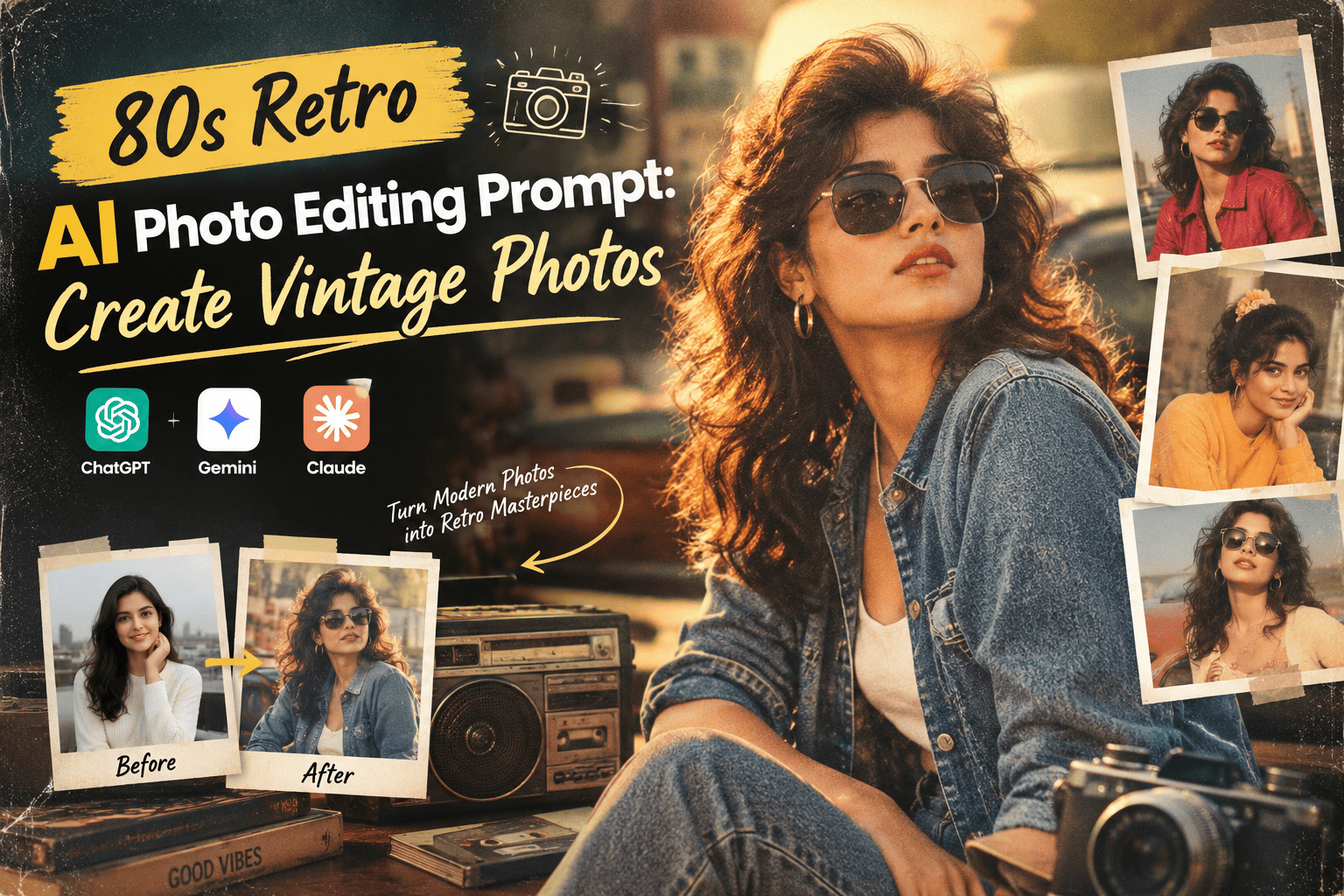
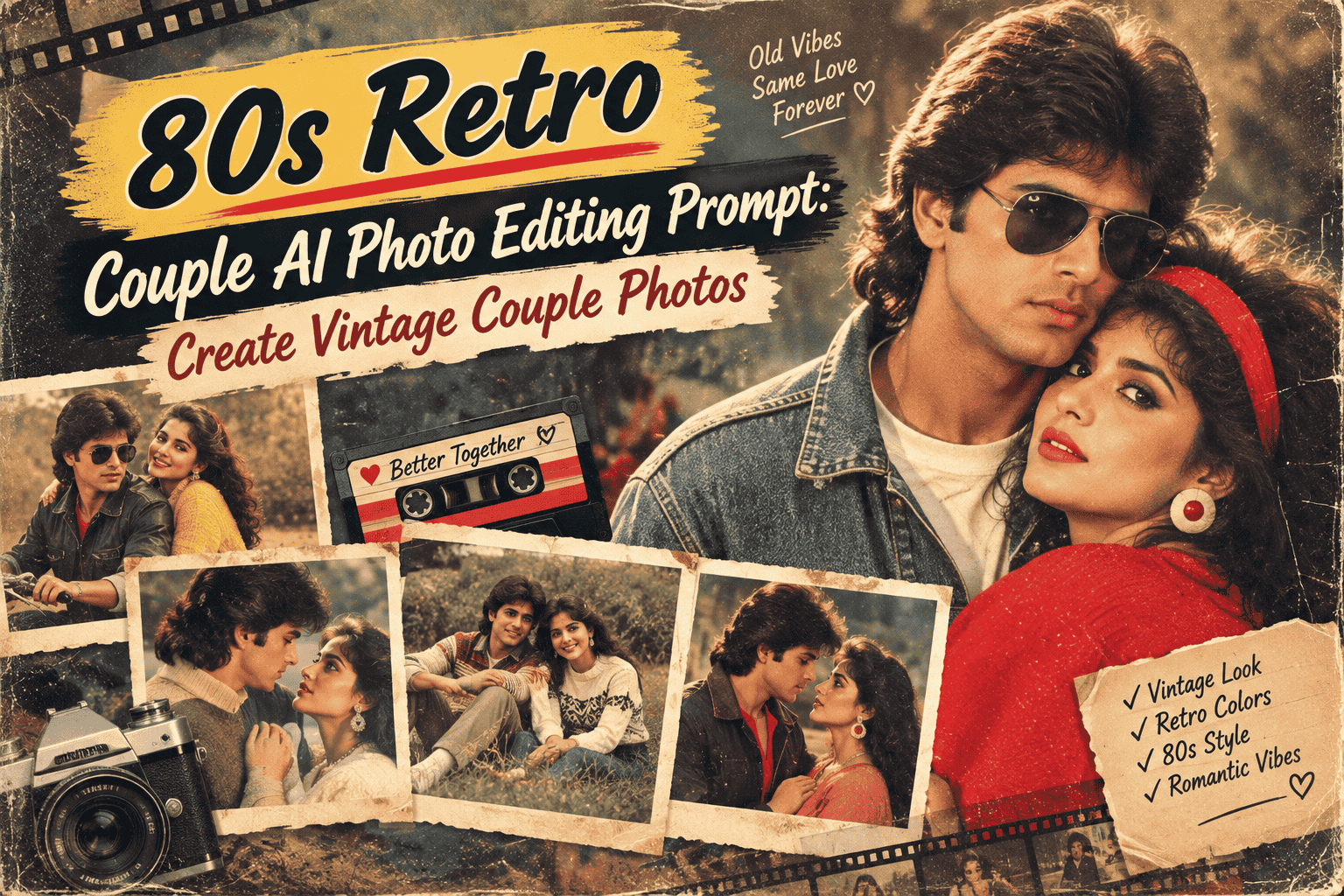
Featured image for: 80s Retro AI Photo Editing Prompt: Create Vintage Photos
AI photo editing has changed dramatically. Instead of spending hours adjusting brightness, removing backgrounds, changing clothes or searching through complicated editing menus, you can now describe the edit you want in plain language.
One of the most popular names associated with this style of AI image creation and editing is Nano Banana, Google's Gemini image-generation and editing technology. It can be used for creating images from prompts as well as transforming existing photographs with detailed instructions. Google’s current documentation specifically recommends describing the subject, setting, action, composition and visual style, while editing prompts should clearly explain what needs to change.
That makes Nano Banana particularly useful for people who want to experiment with AI photo editing prompts without learning professional photo-editing software.
In this guide, you'll find a collection of Nano Banana AI photo editing prompts that you can copy, paste and customize for your own images. The examples cover portraits, outfits, backgrounds, cinematic photography, couples, vintage photos, wedding looks, professional profile pictures and creative transformations.
What Is Nano Banana?
Nano Banana is the name widely used for Google's Gemini image-generation and editing models. The technology is designed to understand both images and natural-language instructions, allowing users to create new images or make targeted changes to existing ones.
Google has demonstrated Nano Banana being used for tasks such as changing parts of an image while keeping other elements consistent, transforming subjects into different styles and combining visual references.
For photo editing, the important difference is that you don't necessarily need to explain every technical Photoshop-style adjustment.
You can simply describe the result you want.
For example:
"Change my outfit to a black formal suit while keeping my face, hairstyle and background unchanged."
That is much closer to giving instructions to a human photo editor than manually adjusting dozens of settings.
Complete Step-by-Step Editing Workflow
Copy the prompt: Use the dedicated copy button above to get the prompt.
Open your editing tool: Use your preferred AI image generator (ChatGPT, Google Gemini, Midjourney, or Bing).
Personalize the variables: Adjust background, clothing, lighting, pose, or mood according to your requirements.
Generate & refine: Generate the image and tweak small details if needed.
Export: Save the final high-quality output for your social media.
Curates practical AI prompts, photo-editing resources, video-editing ideas, and creator-focused tutorials to help readers create top-quality digital content.
Why Nano Banana AI Photo Editing Prompts Are Popular
Traditional photo editing requires knowledge of layers, masks, color correction, retouching and compositing.
AI editing changes that workflow.
You can upload a photograph and describe what you want to change.
Setting / Feature
Recommendation / Style
Common requests include:
Changing clothes
Changing the background
Improving lighting
Creating cinematic portraits
Restoring old photographs
Creating vintage photographs
Removing unwanted objects
Changing colors
Creating professional profile pictures
Creating couple photographs
Creating fashion portraits
Converting photographs into creative styles
Nano Banana's image editing capabilities are designed around this type of natural-language interaction. Google also recommends making edits specific and then iterating on the result rather than trying to describe everything perfectly in one instruction.
Best Nano Banana AI Photo Editing Prompt
If you are new to Nano Banana, start with this general-purpose prompt.
Copy-Paste Prompt
Edit the uploaded photo while preserving the person's original facial identity, facial structure, natural skin texture, hairstyle and realistic body proportions. Improve the overall appearance in a natural and professional way. Keep the person's face recognizable and avoid unnecessary facial changes. Make the requested edits realistic and consistent with the original lighting, perspective and composition. Maintain realistic skin, clothing texture, shadows and colors. The final result should look like a professionally photographed and naturally edited image rather than an artificial AI-generated picture.
This is a useful base prompt because it tells the AI both what to preserve and how the final image should look.
Nano Banana Portrait Enhancement Prompt
Want to improve an ordinary portrait without completely changing it?
Use this:
Enhance the uploaded portrait while keeping the person's identity, facial structure and natural appearance unchanged. Improve lighting, exposure, sharpness and overall image quality without making the skin look artificial. Preserve natural skin texture, realistic eyes, facial details and hair. Add soft professional portrait lighting and subtle background separation. Keep the original composition and pose. The final result should look like a professionally photographed portrait with natural retouching, realistic colors and high detail.
Nano Banana Background Change Prompt
Changing the background is one of the easiest ways to transform an ordinary photo.
Replace the existing background with a sophisticated modern luxury interior. Keep the person completely consistent with the original image, including facial identity, hairstyle, clothing, pose and body proportions. Match the new background lighting and perspective with the subject. Add realistic shadows and natural depth of field so the person looks genuinely photographed in the new environment. Do not alter the person's face or clothing.
Setting / Feature
Recommendation / Style
You can replace "luxury interior" with:
Beach
Mountain
Luxury hotel
Café
Office
Garden
Palace
City street
Studio
Wedding venue
Nano Banana Outfit Change Prompt
This is useful when you want to experiment with different fashion styles.
Change the person's outfit to a premium black formal suit with a crisp white shirt and elegant accessories. Preserve the original face, facial identity, hairstyle, pose, body proportions and background. Make the new clothing fit naturally around the body with realistic fabric folds, stitching and shadows. Match the clothing lighting with the existing scene. Do not change the person's facial features. Make the final photograph look realistic and professionally photographed.
Setting / Feature
Recommendation / Style
You can replace the outfit with:
Saree
Sherwani
Kurta
Business suit
Casual denim outfit
Wedding dress
Formal dress
Traditional Indian clothing
Streetwear
Luxury fashion
Nano Banana Saree Photo Editing Prompt
Indian fashion is an excellent use case for AI photo editing.
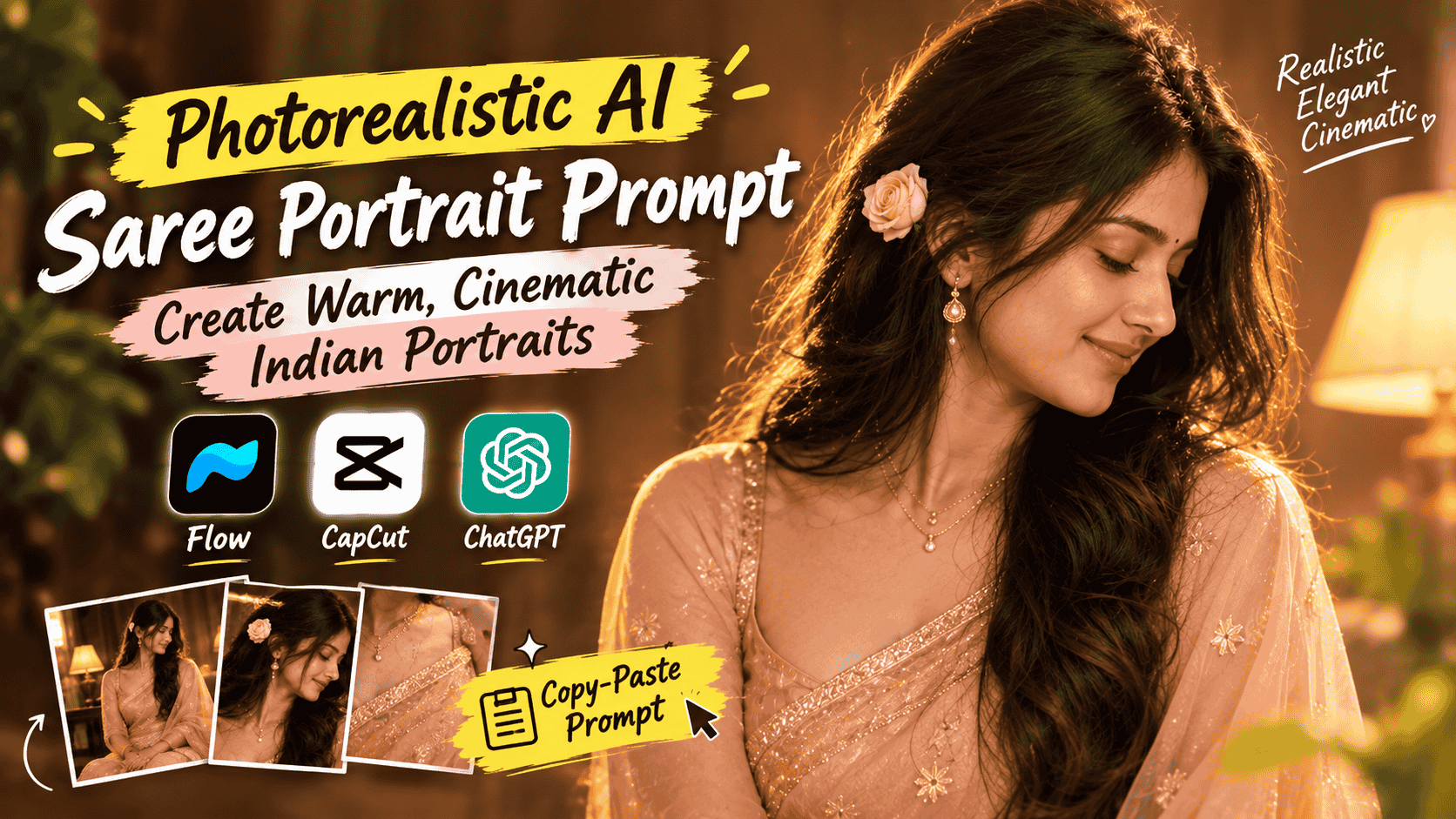
Transform the woman's outfit into an elegant traditional silk saree while preserving her original facial identity, hairstyle, pose and natural body proportions. Use a premium saree with realistic woven fabric, detailed pleats and an elegant blouse. Add tasteful traditional jewelry such as earrings, bangles and a necklace. Maintain natural skin texture and realistic lighting. Keep the original face unchanged. Create a sophisticated Indian fashion portrait with realistic fabric details, natural shadows and professional photography quality.
Saree Variations
Setting / Feature
Recommendation / Style
You can change the saree description to:
Red silk saree
Black silk saree
Royal blue saree
Banarasi saree
Kanjeevaram saree
Pastel saree
Bridal saree
Designer saree
Traditional cotton saree
Nano Banana Couple Photo Prompt
Want to create a romantic couple photograph?
Create a natural and romantic couple portrait using the uploaded reference images. Preserve both people's facial identities and recognizable features. Place them together in a beautiful outdoor location during golden hour. Maintain realistic body proportions, natural expressions and believable interaction. Use warm sunlight, soft background blur, realistic skin texture and professional portrait photography. Make the final image look like a genuine couple photograph captured by a professional photographer rather than an artificial composite.
For different moods, change the setting to:
Style
Background
Romantic
Sunset beach
Luxury
Five-star hotel
Casual
Coffee shop
Traditional
Indian wedding venue
Cinematic
Night city
Travel
Mountain landscape
Natural
Green garden
Nano Banana Cinematic Photo Prompt
Cinematic edits are useful when you want a more dramatic social-media photograph.
Transform the uploaded portrait into a cinematic professional photograph while preserving the person's facial identity and natural appearance. Use dramatic but realistic lighting, subtle shadows, rich but natural colors and a shallow depth of field. Add cinematic environmental details while keeping the subject realistic and recognizable. Use professional movie-style composition, realistic skin texture and natural color grading. Avoid excessive effects and make the result look like a frame from a high-budget cinematic production.
Nano Banana 80s Retro Photo Prompt
Retro AI photography remains a strong creative use case for image editing.
Transform the uploaded photo into an authentic 1980s analog photograph. Preserve the person's original facial identity, facial structure and natural expression. Add period-appropriate 1980s clothing, hairstyle and accessories. Use warm analog film colors, subtle film grain, soft flash photography, slightly faded tones and realistic photographic imperfections. Replace the background with an authentic 1980s environment while maintaining realistic perspective and lighting. The final image should look like a genuine photograph captured on a vintage film camera rather than a modern photograph with a simple retro filter.
Nano Banana Professional LinkedIn Photo Prompt
You can also use AI editing for professional profile images.
Transform the uploaded casual portrait into a professional corporate headshot. Preserve the person's original facial identity, facial structure, hairstyle and natural appearance. Change the clothing to professional business attire and use a clean neutral studio background. Add soft professional lighting, realistic skin texture and subtle background blur. Keep the expression natural and confident. Do not over-smooth the skin or change facial characteristics. The final photograph should look suitable for a professional LinkedIn profile.
Nano Banana Wedding Photo Prompt
Transform the uploaded photograph into an elegant wedding portrait while preserving the person's original facial identity and natural features. Add sophisticated traditional wedding clothing, tasteful jewelry and realistic wedding styling. Place the subject in an elegant wedding venue with warm decorative lighting and subtle background blur. Maintain realistic fabric textures, natural skin, accurate facial details and realistic shadows. Make the photograph look like a professionally captured wedding portrait rather than an artificial AI image.
Nano Banana Old Photo Restoration Prompt
Nano Banana can also be used for creative restoration-style edits.
Restore the uploaded old photograph while preserving the original people, facial identities, composition and important visual details. Remove scratches, dust, stains, severe fading and distracting damage while keeping the photograph's original character. Improve clarity and contrast naturally without making the faces look artificial. Reconstruct damaged areas carefully and maintain realistic skin texture, clothing details and background structure. Do not modernize the photograph or change the people's identities.
For historical photographs, the goal should be restoration rather than unnecessarily changing the original appearance.
Nano Banana Background Removal Prompt
Remove the existing background while keeping the subject completely intact. Preserve the person's hair, facial details, clothing edges, hands and body proportions. Create a clean transparent-style cutout with accurate edges and no visible background remnants. Do not change the subject's face, clothing or pose. Maintain realistic hair strands and fine details around the edges.
Nano Banana Luxury Fashion Prompt
Transform the uploaded portrait into a high-end luxury fashion photograph. Preserve the person's facial identity, natural skin texture and body proportions. Style the subject in sophisticated designer-inspired fashion with premium fabric details and elegant accessories. Use dramatic studio lighting, a minimalist luxury background, realistic shadows and shallow depth of field. Create a polished editorial fashion photography look while keeping the face natural and recognizable.
Nano Banana Travel Photo Prompt
Place the person from the uploaded photograph into a realistic luxury travel destination while preserving their original facial identity, hairstyle and appearance. Change the environment to a beautiful mountain resort with natural sunlight and cinematic scenery. Match the subject's lighting, perspective, shadows and color temperature with the new environment. Keep the person's clothing and facial features natural and unchanged. Make the final photograph look like a genuine travel photograph.
Nano Banana Product Photo Prompt
Nano Banana isn't limited to portraits. It can also be useful for product imagery and visual concepts.
Use the uploaded product image as the main reference. Keep the product's shape, proportions, branding, colors and important details unchanged. Place the product on a premium minimalist studio surface with soft directional lighting and realistic shadows. Create a clean commercial product photograph with natural reflections, realistic materials and professional composition. Do not distort or redesign the product.
Google's current Nano Banana guidance also highlights using multiple reference images when you need to combine specific visual elements or maintain consistency.
Nano Banana 3D Figurine Prompt
One of the creative transformations people use with AI image tools is turning a real person or object into a collectible-style figure.
Transform the person in the uploaded photograph into a highly detailed collectible 3D figurine while keeping their recognizable facial characteristics, hairstyle and outfit identity. Place the figurine inside a premium transparent display box with realistic packaging details. Add a miniature accessories section beside the figure. Use realistic plastic and fabric textures, studio lighting, subtle reflections and professional product photography. Make the final result look like a professionally manufactured collectible figure.
Nano Banana Polaroid Photo Prompt
Transform the uploaded photograph into an authentic instant-film Polaroid-style photograph. Preserve the person's original facial identity and natural appearance. Add subtle analog film texture, soft colors, realistic exposure variation and gentle photographic imperfections. Place the image inside a classic instant-photo frame with natural shadows and realistic paper texture. Avoid excessive filters and keep the photograph believable and nostalgic.
Edit the uploaded portrait → keep the woman → change the outfit to a silk saree → preserve her face → place her in an elegant Indian interior → use warm lighting → fashion photography → photorealistic result.
This approach makes prompts easier to understand and modify.
Google's prompt guidance similarly recommends thinking about the subject, setting, action, composition and style, while its editing guidance emphasizes specifying the change and what should remain consistent.
The Most Important Rule: Tell AI What to Keep
A common mistake is writing only what you want changed.
Setting / Feature
Recommendation / Style
For example:
Weak prompt:
"Put me in a luxury hotel."
A better prompt is:
"Place me in a luxury hotel while keeping my face, hairstyle, clothing, pose and body proportions unchanged. Match the lighting and perspective with the new environment."
The second version gives the AI boundaries.
This is particularly important when editing photographs of people.
Useful Keywords for Nano Banana Photo Editing
If you are creating your own prompts, these keywords can help communicate specific visual goals.
Realism
Setting / Feature
Recommendation / Style
Photorealistic
Natural skin texture
Realistic lighting
Accurate proportions
Detailed fabric
Natural shadows
Realistic depth of field
Photography
Setting / Feature
Recommendation / Style
Professional portrait
Editorial photography
DSLR photography
Studio photography
Cinematic photography
Fashion photography
Street photography
Lighting
Setting / Feature
Recommendation / Style
Soft natural light
Golden-hour lighting
Studio lighting
Warm ambient lighting
Cinematic lighting
Soft flash
Dramatic side lighting
Composition
Setting / Feature
Recommendation / Style
Close-up portrait
Waist-up portrait
Full-body portrait
Wide-angle shot
Low-angle shot
Centered composition
Shallow depth of field
Nano Banana Prompt Formula
Use this formula whenever you want to create a new prompt:
"Edit [image/subject] + change [specific element] + preserve [important elements] + place in [setting] + use [lighting] + apply [visual style] + maintain [realism/quality]."
Example
Edit the uploaded portrait and change the outfit to a traditional red silk saree. Preserve the woman's facial identity, hairstyle, expression and body proportions. Place her in an elegant Indian wedding venue with warm decorative lighting. Use realistic fabric textures, natural skin and professional fashion photography. Maintain realistic shadows and photorealistic quality.
This simple structure can be reused for almost any editing idea.
Common Nano Banana AI Photo Editing Mistakes
1. Giving Too Little Information
A prompt such as "make it beautiful" doesn't give the AI enough direction.
Instead, describe the specific visual result.
2. Forgetting What Should Stay the Same
Always mention important elements that should not change.
Setting / Feature
Recommendation / Style
For portraits, this often includes:
Face
Hairstyle
Expression
Body proportions
Pose
Clothing
Important accessories
3. Changing Too Many Things at Once
If the result isn't correct, make smaller edits.
For example, first change the background. Then adjust the lighting. Then modify the clothing.
Google recommends iterative editing, where you continue refining an image with additional prompts rather than trying to solve every detail in one request.
4. Using Excessive "Perfect" Language
Words such as "perfect face," "flawless skin" and "ultra-beautiful" can sometimes create an artificial appearance.
For realistic photography, natural language usually works better.
How to Use Nano Banana AI Photo Editing Prompts
The basic workflow is simple.
Step 1: Choose Your Photo
Select a clear photograph with a visible subject.
Step 2: Upload the Image
Use the image-editing option available in your Gemini/Nano Banana interface. Google's current Gemini help documentation supports uploading an image and asking Gemini to make edits.
Step 3: Paste the Prompt
Copy one of the prompts from this article.
Step 4: Describe Any Specific Change
If necessary, replace generic terms with your preferred color, clothing, location or style.
Step 5: Review the Result
Setting / Feature
Recommendation / Style
Check:
Face
Hands
Clothing
Background
Lighting
Proportions
Small details
Step 6: Refine
If something isn't right, tell the AI exactly what needs to be corrected.
For example:
"Keep everything unchanged, but make the saree pleats more natural and realistic."
Best Nano Banana Prompts by Use Case
Setting / Feature
Recommendation / Style
Use Case
Best Prompt Type
Instagram
Fashion portrait
LinkedIn
Professional headshot
Wedding
Wedding portrait
Couple
Romantic couple
Fashion
Editorial fashion
Travel
Destination edit
Vintage
Retro/analog
Product
Commercial product
Family
Natural family portrait
Creative
3D figurine
Old photo
Restoration
Background
Environment replacement
Frequently Asked Questions
What are Nano Banana AI photo editing prompts?
Nano Banana AI photo editing prompts are natural-language instructions used to tell Google's Gemini image tools how to modify or create images. They can describe changes to clothing, backgrounds, lighting, composition, style and other visual elements.
Can I use these Nano Banana prompts with my own photo?
Yes. You can use compatible prompts with an uploaded photograph. For the best results, clearly state what should change and what should remain unchanged.
How do I preserve my face when editing a photo?
Tell the AI to preserve your original facial identity, facial structure, natural skin texture and recognizable features. Avoid asking it to completely redesign the face.
Can Nano Banana change clothes?
Yes. You can describe the new clothing and specify that the person's face, pose, hairstyle and other important elements should remain unchanged.
Can I use Nano Banana to change a photo background?
Yes. Describe the new environment and ask the AI to match the subject's lighting, perspective and shadows with the new background.
Can I create cinematic photos with Nano Banana?
Yes. You can request cinematic lighting, shallow depth of field, professional composition, natural color grading and realistic environmental details.
Can I create AI saree photos with Nano Banana?
Yes. You can specify a silk, Banarasi, Kanjeevaram, bridal or designer saree and add jewelry, hairstyle, background and lighting instructions.
Why does the AI sometimes change my face?
AI image editing can reinterpret visual details during a transformation. Explicitly instructing the model to preserve facial identity and other unchanged elements can help maintain consistency.
Can I use multiple reference images?
Yes. Current Nano Banana guidance supports using multiple reference images for certain workflows, which can be useful when combining visual elements or maintaining consistency.
Should my Nano Banana prompt be very long?
Not necessarily. A detailed prompt can provide more control, but clarity matters more than length. Start with the main change, explain what must remain unchanged, and then add the setting, lighting and style.
Conclusion
Nano Banana AI photo editing prompts make image editing much more accessible because you can communicate your idea in natural language instead of relying entirely on traditional editing controls.
The most effective prompts are not simply collections of trendy keywords. They clearly explain what should change, what should stay the same, where the scene should take place, how it should be lit and what visual style the final image should have.
Whether you want to create a professional profile picture, change an outfit, design a cinematic portrait, create an elegant saree photograph, restore an old image or turn a person into a 3D collectible figure, the right prompt can give you much more control over the result.
Start with the copy-paste Nano Banana AI photo editing prompts in this guide and customize the details according to your photograph.
For better results, make one change at a time when possible, preserve important subject details, and refine the generated image with follow-up instructions. Google's own guidance recommends iterative prompting and specific editing instructions for greater control.
As AI image editing continues to evolve, learning how to write clear visual instructions is becoming just as useful as knowing how to operate a traditional photo editor.
Featured Image AI Prompt
Create a modern, premium blog featured image representing Nano Banana AI photo editing prompts. Show a realistic smartphone or computer interface displaying an AI-generated portrait being transformed through multiple creative edits, including a realistic portrait, fashion outfit change, cinematic background and vintage photo style. Include a person looking at the edited results, with several floating image variations around the main portrait. Use a clean futuristic AI aesthetic combined with realistic photography, soft studio lighting, subtle gradients, professional composition and high visual detail. The design should clearly communicate AI photo editing, image transformation and copy-paste prompts. Create a polished technology-blog style image with a clean composition, realistic visuals and enough negative space for a headline. Landscape 16:9 format, no watermark, no unnecessary logos.
Miniature Rainy Window AI Prompt: Create a Cinematic Tiny Girl Scene