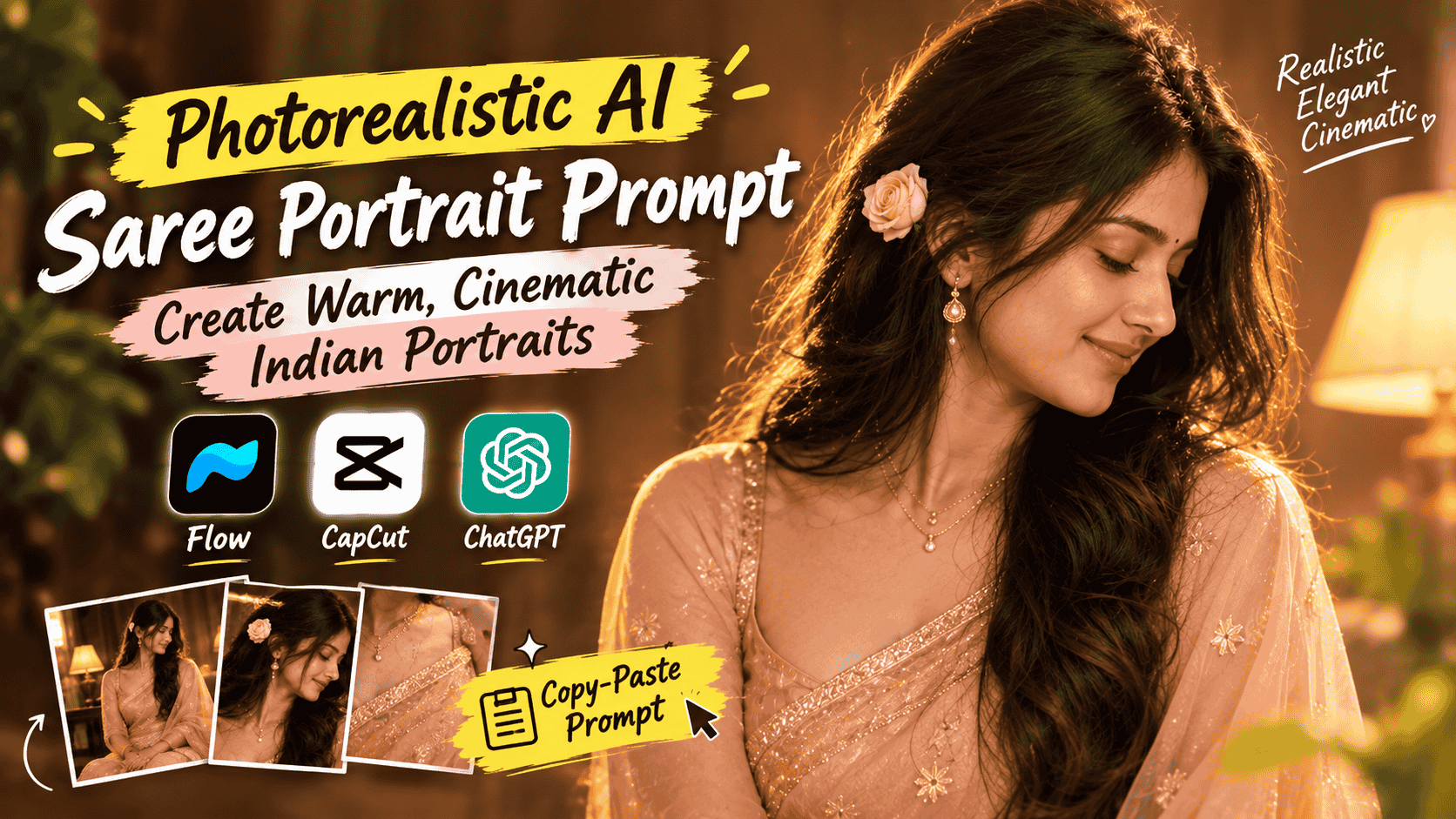
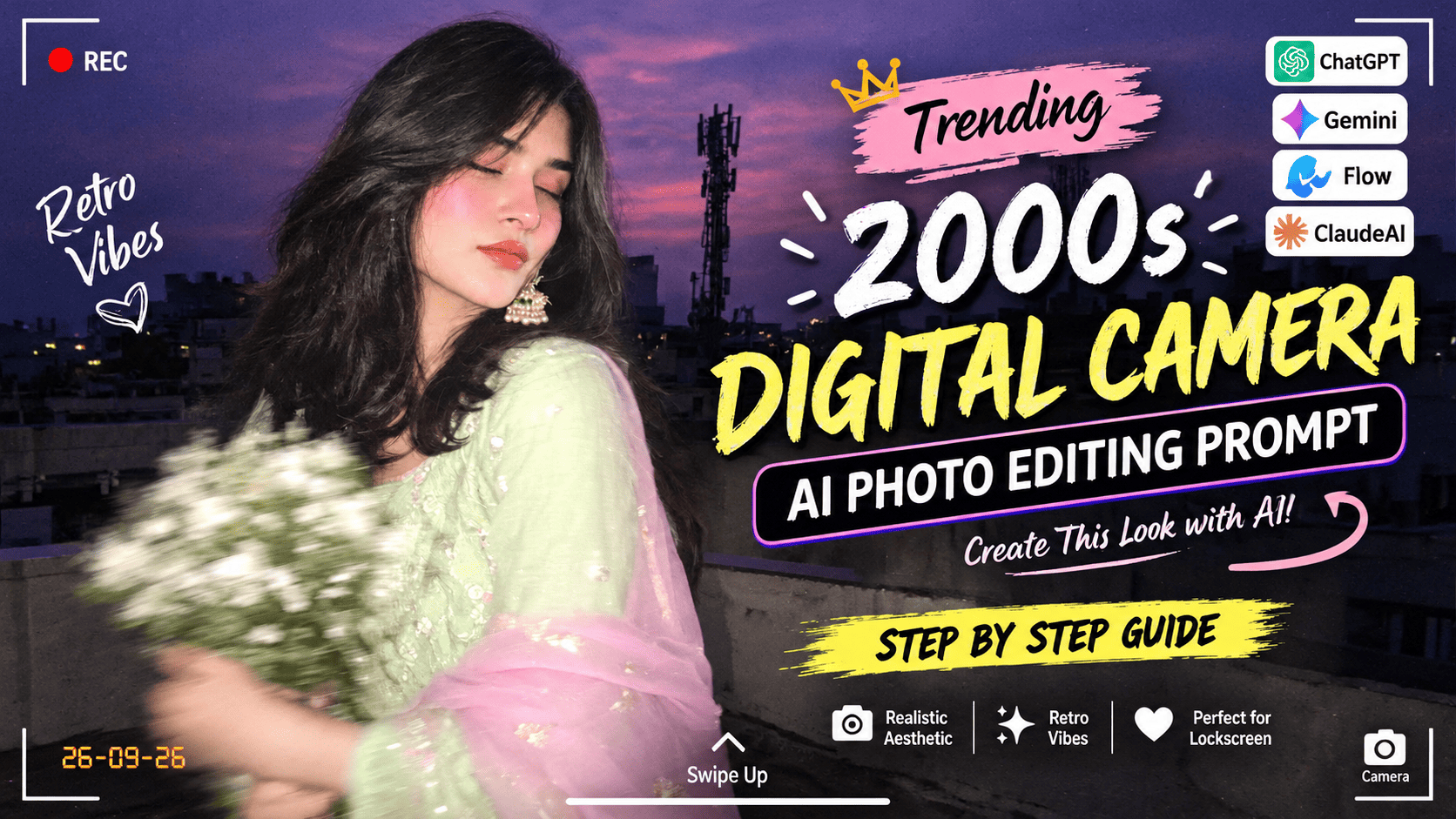
Featured image for: Photorealistic AI Saree Portrait Prompt: Create Warm, Cinematic Indian Portraits
AI image generation has changed the way we create portraits. With the right prompt, you can transform a simple idea into a highly detailed, cinematic photograph with realistic skin texture, natural lighting, elegant clothing, and a professional DSLR-style with Gemini finish.
One of the most popular styles right now is the warm Indian saree portrait. Soft peach and blush-pink sarees, delicate gold jewelry, natural makeup, flowing hair, warm indoor lighting, and a subtle cinematic glow can create a timeless visual that feels both traditional and modern.
But getting this kind of result from an AI image generator is not simply about writing “create a beautiful woman in a saree.” The prompt needs to describe the subject, clothing, pose, expression, hairstyle, accessories, lighting, environment, camera style, composition, and realism in enough detail for the AI model to understand the desired result.
In this guide, you will find a detailed photorealistic Indian saree portrait prompt, along with an explanation of how each part works and how you can customize it for your own AI-generated images.
ChatGPT Prompts
The Complete AI Saree Portrait Prompt
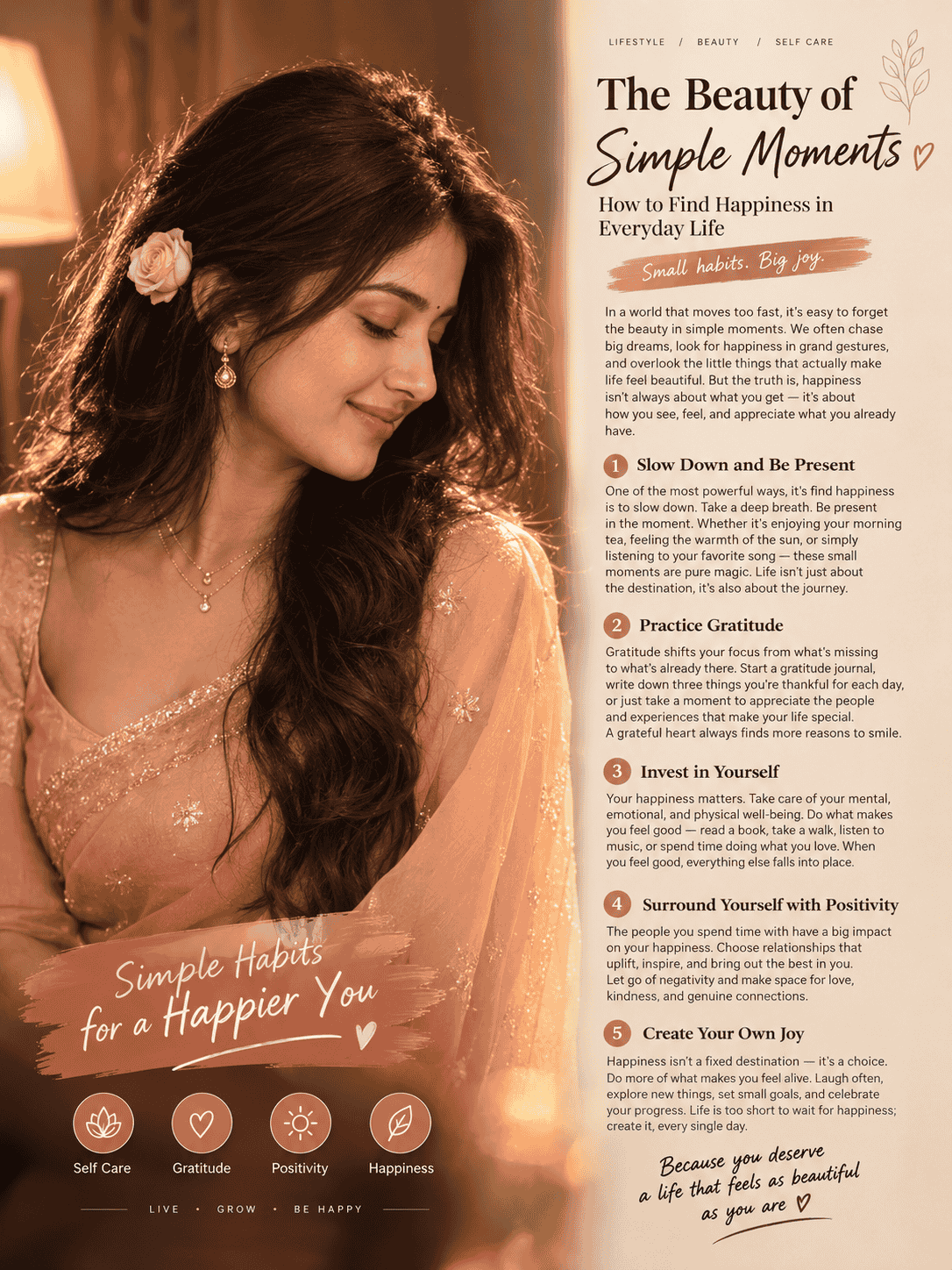
Create a photorealistic warm-toned portrait of a young South Asian woman wearing an elegant sheer peach/blush-pink saree with delicate golden embroidery and a fine gold border. She is captured in a graceful side-profile pose, head slightly tilted downward, eyes gently closed, with a soft natural smile. Preserve the reference face and identity exactly, with natural facial features and realistic skin texture.
Her long, thick dark-brown/black hair is styled in soft voluminous waves, flowing over one shoulder, with a small peach-white rose tucked behind the hair near the ear. Minimal elegant makeup, soft brown eyeshadow, subtle blush, natural rosy lips, tiny delicate bindi. She wears small gold drop earrings and a delicate layered gold necklace with a small pendant.
Warm intimate indoor setting with a plain brown-beige background, soft amber lamp lighting, beautiful golden rim light on the hair and face, subtle shadows, cinematic warm color grading, gentle glow and natural lens flare at the bottom. DSLR photography, shallow depth of field, realistic fabric texture, natural skin pores, soft film grain, elegant Indian wedding/engagement aesthetic, no CGI, no plastic skin, no beauty filter, no artificial-looking face, ultra photorealistic, high detail, 3:4 vertical composition.
Click copy to use in ChatGPT Prompts
This prompt is designed to give the AI a complete visual direction instead of leaving important details to interpretation.
Complete Step-by-Step Editing Workflow
Copy the prompt: Use the dedicated copy button above to get the prompt.
Open your editing tool: Use your preferred AI image generator (ChatGPT, Google Gemini, Midjourney, or Bing).
Personalize the variables: Adjust background, clothing, lighting, pose, or mood according to your requirements.
Generate & refine: Generate the image and tweak small details if needed.
Export: Save the final high-quality output for your social media.
Article Tags
#AI Prompts, AI Image Generation, Saree AI Prompt, AI Portraits, Indian Saree, Photorealistic AI, Cinematic Portraits, AI Photography, Wedding AI Prompts, ChatGPT Prompts
Found this prompt useful?
SHARE:
Sana
Verified Creator
Curates practical AI prompts, photo-editing resources, video-editing ideas, and creator-focused tutorials to help readers create top-quality digital content.
Super helpful prompt! The lighting and peacock feather crown came out incredible on Bing Image Creator.
Priya PatelAugust 31, 2026
Thank you PromptCopyAI! Shared this with all my photo editing groups.
Why Detailed AI Prompts Produce Better Portraits
An AI image generator interprets the words in your prompt and converts them into visual characteristics. The more clearly you describe the important elements, the easier it becomes to maintain a consistent visual style.
Setting / Feature
Recommendation / Style
For example, instead of simply writing:
“A woman wearing a pink saree.”
you can describe:
The exact saree color
Fabric appearance
Embroidery
Border
Pose
Facial expression
Hairstyle
Jewelry
Makeup
Background
Lighting
Camera style
Depth of field
Color grading
Image ratio
This gives the model a much stronger creative direction.
However, more words do not automatically mean a better image. The important thing is that the details work together and describe one consistent visual concept.
1. Start With the Subject
The first part of the prompt establishes the primary subject.
In this example, the subject is a young South Asian woman wearing a traditional saree.
The prompt doesn't stop at identifying the subject. It also describes the overall visual character of the portrait.
If you are creating an image using a reference photograph, you can include instructions such as:
“Preserve the reference face and identity exactly.”
This tells the image model that facial identity is an important part of the generation.
For reference-based image generation, however, results can vary depending on the AI model and the quality of the reference image. A clear, well-lit reference generally provides more useful visual information.
2. The Saree Creates the Main Visual Style
The saree is one of the strongest visual elements in this portrait.
The prompt uses:
“sheer peach/blush-pink saree with delicate golden embroidery and a fine gold border.”
This combination creates a soft and luxurious color palette.
Peach and blush pink work particularly well with warm golden lighting because they naturally complement amber and brown tones.
Setting / Feature
Recommendation / Style
You can also experiment with other colors:
Champagne gold
Dusty rose
Lavender
Wine red
Emerald green
Royal blue
Ivory
Pastel yellow
Deep maroon
For a more traditional wedding appearance, you can increase the amount of gold embroidery. For a contemporary fashion portrait, you can reduce the embroidery and use a cleaner saree design.
3. Describe the Pose Clearly
Pose is extremely important for portrait generation.
The prompt asks for:
“a graceful side-profile pose, head slightly tilted downward, eyes gently closed, with a soft natural smile.”
This creates a calm and intimate mood.
Instead of asking the AI to create a generic pose, specific instructions give it a better idea of the intended composition.
You can modify the pose depending on the type of image you want.
For example:
Elegant portrait:
“three-quarter profile with one hand gently touching the saree”
Setting / Feature
Recommendation / Style
Traditional portrait:
“standing gracefully with hands together and looking slightly away from the camera”
Candid portrait:
“looking down naturally while adjusting the saree pallu”
Romantic portrait:
“soft side profile with a subtle smile while looking toward the window”
Small changes in pose can completely change the emotional feeling of an image.
4. Natural Facial Features Matter
Many AI-generated portraits can look overly smooth or artificial when the prompt doesn't specify realism.
Setting / Feature
Recommendation / Style
That's why the prompt includes:
“natural facial features and realistic skin texture.”
It also specifically mentions:
Natural skin pores
No plastic skin
No beauty filter
No artificial-looking face
These instructions help communicate that the desired result should resemble a real photograph rather than a digital character.
For a realistic portrait, avoid filling the prompt with excessive beauty-related adjectives. Words such as “perfect face,” “flawless skin,” and “perfect beauty” can sometimes push the image toward an overly polished appearance.
Instead, phrases such as natural skin texture, subtle imperfections, and realistic facial details can help create a more photographic result.
5. Hair Can Transform the Portrait
The hairstyle in this prompt is deliberately detailed:
“Long, thick dark-brown/black hair styled in soft voluminous waves, flowing over one shoulder.”
Hair creates movement and dimension in a portrait.
The addition of a small peach-white rose near the ear also connects the hairstyle with the saree's color palette.
You can customize this section depending on the mood.
Setting / Feature
Recommendation / Style
For a traditional wedding style:
“long wavy hair partially braided with delicate jasmine flowers.”
For a modern fashion look:
“loose glossy waves with a few natural strands framing the face.”
For a classic Indian look:
“long dark hair styled in soft waves with fresh flowers tucked behind one ear.”
6. Keep Makeup Elegant and Natural
The prompt uses minimal makeup rather than an exaggerated beauty look.
Setting / Feature
Recommendation / Style
The makeup details include:
Soft brown eyeshadow
Subtle blush
Natural rosy lips
Tiny delicate bindi
This creates a refined appearance without making the portrait look heavily edited.
For wedding images, you can slightly increase the makeup intensity:
“soft glam makeup, defined eyes, warm blush, natural rosy lips and subtle highlighter.”
For a more everyday portrait, simplify it:
“minimal natural makeup, soft blush and natural lip color.”
7. Jewelry Adds Detail
The portrait uses small gold drop earrings and a delicate layered necklace.
This is a useful example of how accessories can be described without overwhelming the image.
If you want a more luxurious bridal appearance, you can add:
Setting / Feature
Recommendation / Style
Gold jhumkas
Maang tikka
Bangles
Statement necklace
Traditional earrings
For a minimal editorial portrait, keep the jewelry subtle.
The key is to make the accessories match the overall styling. A delicate saree with minimal jewelry creates a very different visual from a heavily embroidered saree with elaborate bridal jewelry.
8. Lighting Is the Secret to a Cinematic Look
Lighting is one of the most important parts of this prompt.
Setting / Feature
Recommendation / Style
The image is designed around:
“soft amber lamp lighting”
and:
“beautiful golden rim light on the hair and face.”
Rim lighting creates a thin highlight around the subject and helps separate the person from the background.
The warm amber lighting also creates a cozy indoor atmosphere.
You can experiment with other lighting styles:
Window light: “soft natural sunlight entering through a nearby window”
Golden-hour look: “warm golden-hour sunlight with soft highlights”
Studio look: “professional softbox lighting with subtle fill light”
Candlelit look: “warm candlelight with gentle shadows and atmospheric highlights”
The lighting should match the mood of the portrait.
9. Background Should Support the Subject
The prompt uses a plain brown-beige background.
This is intentional.
A complicated background could compete with the saree, jewelry, hair, and face.
A simple background allows the subject to become the main focus.
Setting / Feature
Recommendation / Style
You can also experiment with:
Luxury bedroom
Traditional Indian interior
Wedding venue
Vintage room
Soft curtain background
Minimal studio
Warm café
Palace-inspired interior
For an elegant portrait, the background usually works best when it remains visually secondary.
10. Add DSLR and Depth-of-Field Details
The prompt includes:
“DSLR photography, shallow depth of field.”
These terms help establish a photographic rather than illustrative appearance.
Shallow depth of field means the subject remains sharp while the background becomes softly blurred.
You can also add camera-oriented descriptions such as:
Setting / Feature
Recommendation / Style
Professional portrait photography
85mm portrait lens
Soft bokeh
Natural optical depth
Cinematic focus
Realistic lens rendering
These phrases should be used as creative direction rather than as a guarantee of a particular physical camera setup.
11. Use Film Grain and Color Grading Carefully
Setting / Feature
Recommendation / Style
The prompt asks for:
“soft film grain”
and:
“cinematic warm color grading.”
These details can make an AI-generated image feel less digitally sterile.
Film grain adds subtle texture, while warm color grading creates a consistent visual mood.
However, too much grain or excessive glow can make the image look artificial. The goal should be subtle enhancement rather than obvious effects.
12. Why the 3:4 Ratio Works
The final instruction is:
“3:4 vertical composition.”
This is particularly useful for portrait-oriented content.
Setting / Feature
Recommendation / Style
A 3:4 image works well for:
Instagram posts
Pinterest
Blog visuals
Portrait galleries
Fashion posts
Wedding inspiration
AI portrait showcases
For Instagram Stories or Reels covers, you may instead want a 9:16 vertical composition.
For YouTube thumbnails, a 16:9 landscape composition is generally more appropriate.
How to Make This Prompt More Personal
You can customize the prompt without rewriting everything.
Setting / Feature
Recommendation / Style
For example, replace the saree description with:
“an elegant emerald-green silk saree with antique-gold zari work.”
Then adjust the jewelry:
“traditional gold jhumka earrings and a delicate antique-gold necklace.”
You can also change the environment:
“a luxurious traditional Indian room with warm lamps and softly blurred decorative elements in the background.”
This allows you to create multiple variations from the same core prompt.
AI Portrait Prompt Negative Instructions
If your image generator supports negative prompts or exclusion instructions, you can add:
Not every image model handles negative prompts in the same way, so treat these as optional instructions rather than mandatory requirements.
Tips for Getting Better Results
Use a Clear Reference Image
If you want to preserve a person's identity, use a clear reference photo with good lighting and visible facial features.
Avoid heavily filtered selfies or images where the face is partially hidden.
Don't Change Too Many Things at Once
If identity consistency is important, start with the original hairstyle and facial structure. Once you get a good result, experiment with clothing, background, lighting, and accessories.
Generate Multiple Variations
AI image generation is inherently variable. One generation may produce excellent hair while another may produce better clothing or lighting.
Create several variations and select the composition that matches your intended use.
Keep the Color Palette Consistent
For this particular concept, peach, blush pink, gold, beige, and warm brown work together naturally.
Keeping the palette consistent can make the final portrait feel more professionally art-directed.
Where You Can Use This AI Portrait Prompt
This prompt can be useful for a variety of creative projects.
Instagram Content
Create elegant portrait posts, fashion inspiration, wedding-style content, or AI photography showcases.
Pinterest
Vertical images with warm, elegant styling can work well for fashion, saree, wedding, beauty, and photography inspiration boards.
Blog Featured Images
The 3:4 composition can be adapted for articles about AI image generation, saree fashion, Indian photography, wedding inspiration, or AI portrait prompts.
Creative Portfolio
If you create AI-generated visual concepts, this style can demonstrate your ability to control lighting, styling, composition, and photographic aesthetics.
Social Media Reels
Generate a series of related portraits and use them as visual frames for an AI photography or prompt tutorial.
Final Thoughts
A strong AI portrait prompt is essentially a visual brief. Instead of telling the AI only what you want to see, you describe how the final photograph should feel.
The combination of a peach-pink saree, gold embroidery, natural makeup, flowing dark hair, delicate jewelry, warm indoor lighting, golden rim light, shallow depth of field, realistic skin texture, and cinematic color grading creates a sophisticated Indian portrait aesthetic.
The most important part is not simply adding more words to a prompt. It is giving the AI clear information about the subject, styling, pose, lighting, environment, photography style, and desired realism.
You can use the complete prompt above as a starting point and then customize the colors, saree, jewelry, hairstyle, background, and pose according to your creative idea.
With a good reference image and carefully structured instructions, AI image generators can produce portraits that feel much closer to professional editorial or DSLR photography while still allowing you to experiment with styles that would be difficult or expensive to create traditionally.
Copy the prompt, customize the details, experiment with different variations, and build your own signature AI portrait style.
White Rose Romantic AI Video Editing Prompt for Flow AI: Create Cinematic Love Videos